
Types of Database Indexes: Understanding Their Role and Differences
Primary Key vs Secondary Index: Key Distinctions Explained

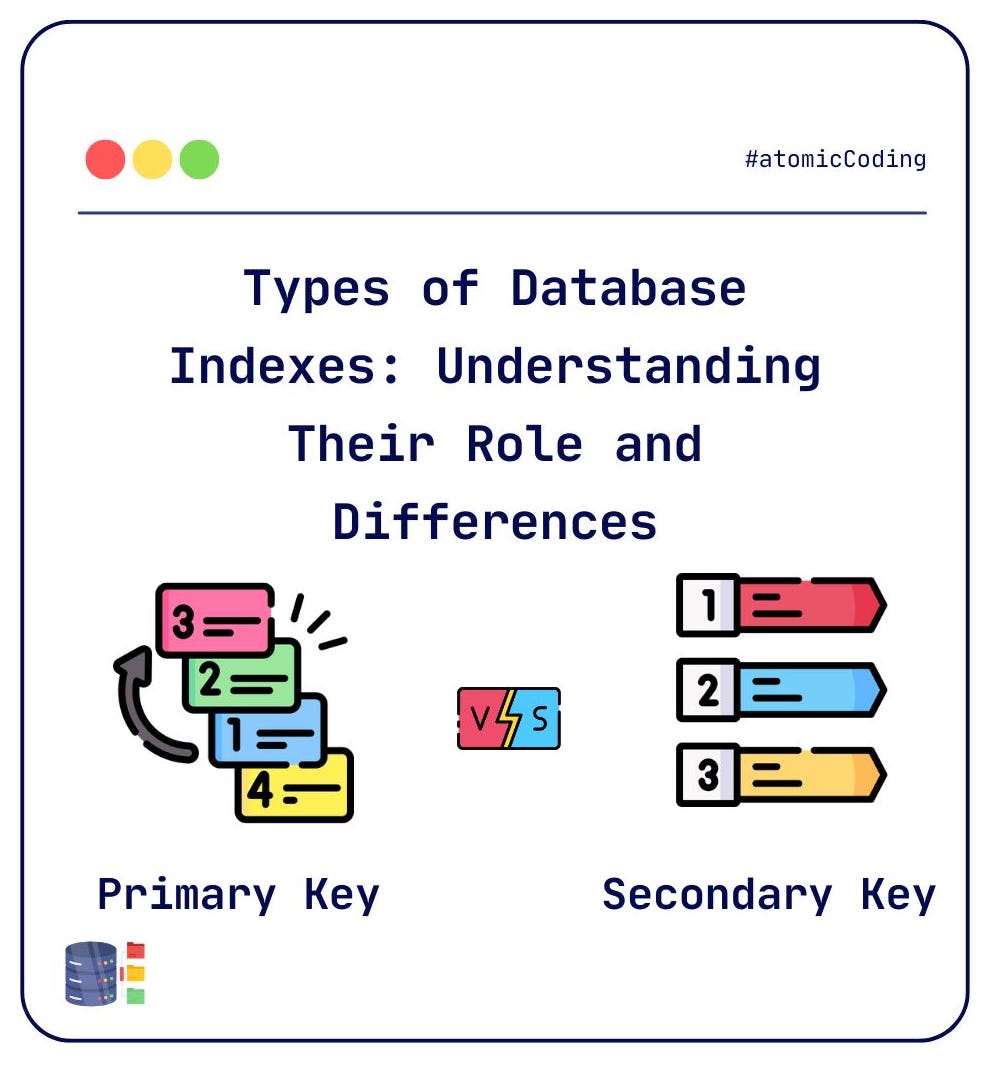
In PostgreSQL, all indexes, whether explicitly defined or implicitly created, are technically secondary indexes. However, there are important distinctions between a Primary Key and a Secondary Index:
Primary Key:
When you define a Primary Key on a column (or set of columns), PostgreSQL automatically creates a unique index on that column(s).
A
Primary Keyenforces several important constraints:
-Uniqueness: Every value in the primary key column(s) must be unique across the table.
-NOT NULL: The primary key column(s) cannot contain `NULL` values.
-Automatic Index Creation: PostgreSQL automatically creates a unique index for the primary key column(s).
-One Primary Key per Table: A table can have only one primary key, as it uniquely identifies each row in the table.
Secondary Index:
- A Secondary Index is any index created explicitly on a column (or set of columns) that is not the primary key.
- Secondary indexes do not impose any of the constraints that the primary key does. For example:
— Null Values: Secondary index columns can allow NULL values.
— Non-uniqueness: Secondary index columns do not need to be unique unless you specify a unique index.
— Custom Indexes: Secondary indexes can be created on multiple columns, use different index types (e.g., B-tree, GIN, GiST), and are entirely optional, depending on the queries you need to optimize.
Key Differences:
Enforced Constraints: A primary key enforces bothuniquenessandnon-nullconstraints, while secondary indexes do not enforce any constraints on the indexed column(s).Automatic Creation: The primary key implicitly creates a unique index, whereas secondary indexes must be explicitly defined.Uniqueness: A primary key index automatically ensures that no two rows can have the same value in the primary key column(s). Secondary indexes do not have this guarantee unless explicitly defined as unique.
In summary, while both primary keys and secondary indexes are used to speed up lookups in PostgreSQL, the primary key has additional constraints that ensure data integrity, while secondary indexes offer more flexibility without such constraints, although all these constraints can be added to secondary indexes we define too.
Index Usage in Practise
Let’s explore index usage in practise. First, let’s define the users table:
CREATE TABLE users
(
    id         BIGINT NOT NULL PRIMARY KEY,
    first_name TEXT,
    last_name  TEXT,
    email      TEXT,
    birthday   DATE,
    is_pro     BOOLEAN,
    deleted_at TIMESTAMP WITH TIME ZONE,
    created_at TIMESTAMP WITH TIME ZONE,
    updated_at TIMESTAMP WITH TIME ZONE
);


SELECT id, first_name, last_name, email, birthday, is_pro
FROM users
LIMIT 10;

-- Output:
+--+----------+-------------+------------------------------+----------+------+
|id|first_name|last_name    |email                         |birthday  |is_pro|
+--+----------+-------------+------------------------------+----------+------+
|1 |Ladarius  |Dibbert      |ladarius.dibbert@maggio.com   |2005-03-08|false |
|2 |Ali       |Lowe         |ali.lowe@reynolds.com         |1982-06-29|false |
|3 |Paula     |Schaefer     |paula.schaefer@mitchell.com   |2000-02-08|false |
|4 |Hadley    |Kozey        |hadley.kozey@toy.com          |2004-12-26|false |
|5 |Catherine |Glover       |catherine.glover@weimann.com  |2003-10-25|false |
|6 |Ardith    |Runolfsdottir|ardith.runolfsdottir@thiel.com|1978-12-04|false |
|7 |Beverly   |Schumm       |beverly.schumm@krajcik.biz    |1977-03-31|false |
|8 |Constance |DuBuque      |constance.dubuque@von.com     |1977-07-03|false |
|9 |Cordell   |Herman       |cordell.herman@kirlin.com     |2003-02-14|false |
|10|Jason     |Blanda       |jason.blanda@larson.com       |2003-10-26|false |
+--+----------+-------------+------------------------------+----------+------+
Querying using Primary Key Index
As mentioned earlier, Primary Key constraint automically creates a Secondary Index on column declared as Primary Key. In our case — id is Primary Key column
Let’s query users by — id.
SELECT id, first_name, last_name, email, birthday, is_pro
FROM users WHERE id = '77';

--- OUTPUT:
+--+----------+---------+----------------------+----------+------+
|id|first_name|last_name|email                 |birthday  |is_pro|
+--+----------+---------+----------------------+----------+------+
|77|Baggio    |Baggio   |atomicCoding@gmail.com|1978-01-01|false |
+--+----------+---------+----------------------+----------+------+
To ensure that index is used in the query, we can use EXPLAIN operator.
EXPLAIN SELECT id, first_name, last_name, email, birthday, is_pro
FROM users WHERE id = '77';
+-----------------------------------------------------------------------+
|QUERY PLAN |
+-----------------------------------------------------------------------+
|Index Scan using users_pkey on users (cost=0.42..8.44 rows=1 width=52)|
| Index Cond: (id = '77'::bigint) |
+-----------------------------------------------------------------------+A query plan (or execution plan) is a detailed description of how a database engine will execute a SQL query. It outlines the various steps involved, such as joining tables, using indexes, filtering rows, sorting results, and more.
In this case, the query plan indicates that an Index Scan is used for filtering. Instead of performing a full table scan, the database engine uses an index scan to retrieve the row where id = 11. This approach is far more efficient than scanning the entire table because the index allows for faster lookups, focusing only on the relevant rows.
Secondary Index Definition
Choosing the right column to index is crucial for the performance of both the database and the overall application. Creating an index on the right column can significantly speed up query performance, but it requires careful consideration.
You can’t just create an index on every column, as doing so can actually degrade performance. Maintaining multiple indexes adds overhead, as each index must be updated when the data changes. Additionally, querying multiple indexes can slow down query execution time.
For example, let’s say that the email column is frequently queried in your application. In such a case, adding an index on the email column is a good choice because it will speed up query performance related to email lookups.
Querying By Email — Non-Indexed
Let’s start by querying the users table without an index on the email column:
SELECT id, first_name, last_name, email, birthday, is_pro
FROM users WHERE email = 'atomicCoding@gmail.com';

-- Output
+--+----------+---------+----------------------+----------+------+
|id|first_name|last_name|email                 |birthday  |is_pro|
+--+----------+---------+----------------------+----------+------+
|77|Baggio    |Baggio   |atomicCoding@gmail.com|1978-01-01|false |
+--+----------+---------+----------------------+----------+------+
Exploring Query Plan
+-----------------------------------------------------------------------+
|QUERY PLAN                                                             |
+-----------------------------------------------------------------------+
|Gather  (cost=1000.00..19836.87 rows=1 width=52)                       |
|  Workers Planned: 2                                                   |
|  ->  Parallel Seq Scan on users  (cost=0.00..18836.77 rows=1 width=52)|
|        Filter: (email = 'atomicCoding@gmail.com'::text)                  |
+-----------------------------------------------------------------------+
At first glance, this might seem a bit complex, but what really matters here is the Parallel Seq Scan on the users table. This indicates that to find the row by email, the database is performing a sequential scan across the entire table.
When the table is large, this can be inefficient, as the database needs to read each row one by one, which may slow down query performance
Creating Index
To improve performance, we can create an index on the email column:
CREATE INDEX btree_email ON users USING btree(email);The USING btree part specifies that the index will use a B-tree data structure, which is the default for most databases.
Alternatively, without specifying USING btree, the syntax defaults to a B-tree index:
CREATE INDEX btree_email ON users (email); -- By default, B-TREE is usedNow, with the email index in place, let's rerun the same query.
Querying by Email — Indexed Column
SELECT id, first_name, last_name, email, birthday, is_pro
FROM users WHERE email = 'atomicCoding@gmail.com';

+--+----------+---------+----------------------+----------+------+
|id|first_name|last_name|email                 |birthday  |is_pro|
+--+----------+---------+----------------------+----------+------+
|77|Baggio    |Baggio   |atomicCoding@gmail.com|1978-01-01|false |
+--+----------+---------+----------------------+----------+------+
Exploring Query Plan
+-----------------------------------------------------------------------+
|QUERY PLAN                                                             |
+-----------------------------------------------------------------------+
|Index Scan using btree_email on users  (cost=0.42..8.44 rows=1 width=52)|
|  Index Cond: (email = 'atomicCoding@gmail.com'::text)                 |
+-----------------------------------------------------------------------+
This time, the query plan shows an Index Scan using the bree_email index, indicating that the index we created is being used. Instead of scanning the entire table, the database can now efficiently locate the row using the index. This is a much more efficient approach compared to the previous sequential scan.
Key Points:
Without Index:The query performs a Parallel Sequential Scan, meaning the entire table is read to find the matching row, which can be slow for large tables.With Index:The query performs an Index Scan, which directly uses the index to find the matching row. This is significantly faster because it avoids scanning the entire table.
By indexing the email column, we significantly improve query performance, especially when the table grows in size.
In this post, we explored the differences between Primary Key and Secondary Indexes. We also demonstrated queries using both non-indexed and indexed columns, created an index on the most frequently used column — email—and examined the resulting query plan.
If you enjoyed this post, be sure to check out my other articles! Subscribe to stay updated on future posts.
Other Posts on Postgres:
In upcoming articles, we’ll take a deeper dive into Query Plans and their impact on database performance.
Happy coding! 🧑💻👩💻👨💻